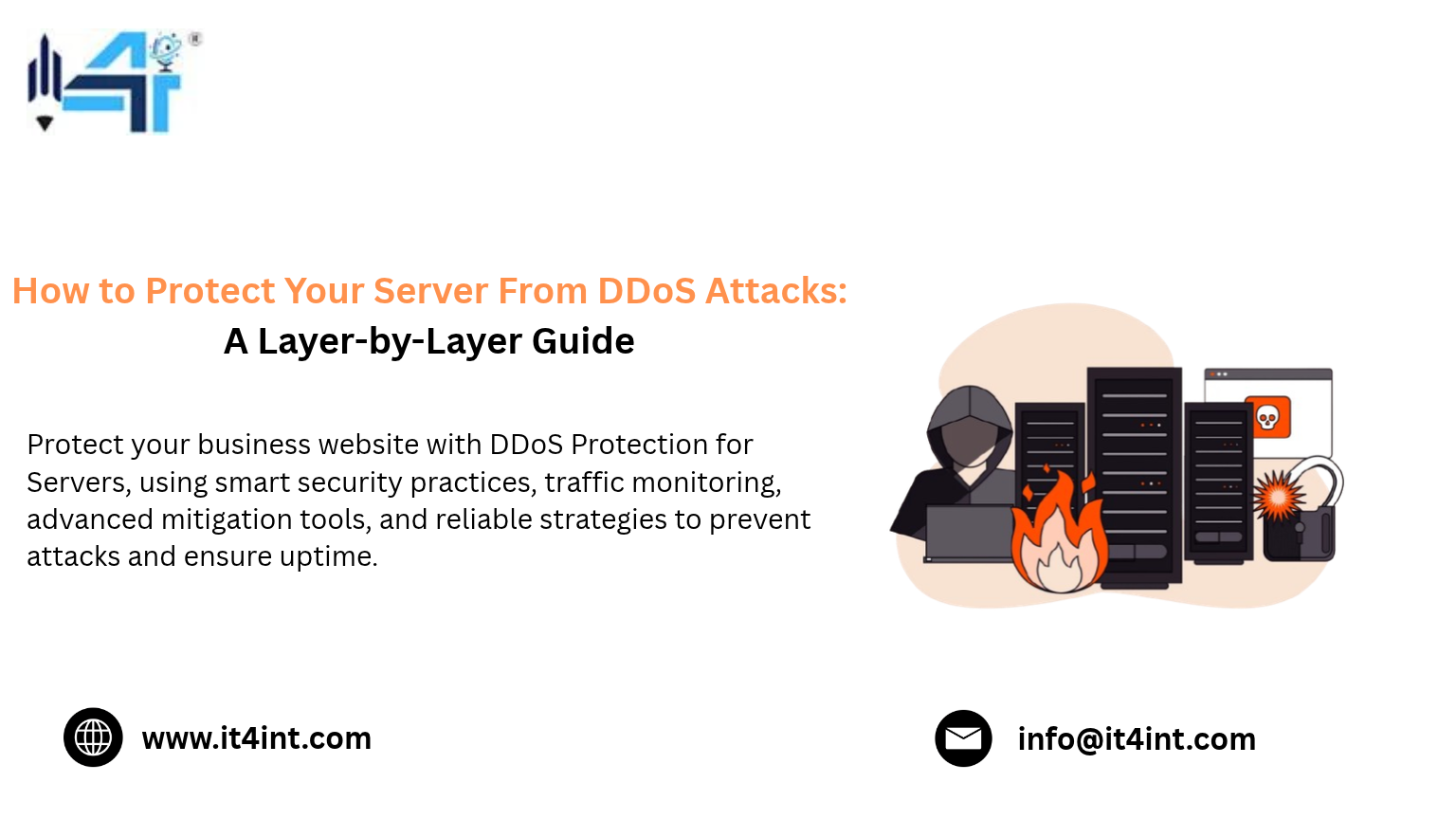
Your website is running normally, and then it is not. Pages hang, the server’s CPU is pinned, your hosting provider is emailing about “abnormal traffic,” and customers cannot check out. There is no break-in and no stolen data. You are simply being drowned in requests you never asked for.
That is a distributed denial-of-service attack, and it is one of the most common ways to knock a business offline. The good news: DDoS protection for servers is a solved engineering problem if you defend each layer properly. This guide walks through how attacks work, then builds your defense from the network edge up to your application code.
Quick Answer: How Do You Protect a Server From DDoS?
The best DDoS protection combines upstream filtering (a CDN, scrubbing service, or DDoS protected hosting), server-level hardening (firewall rules, SYN protection, rate limiting), and application-level controls (caching, a WAF, and bot management), backed by monitoring and a response plan.
Key takeaways:
- No single tool stops every attack. Defense in depth works because attacks target different layers.
- Volumetric attacks must be stopped before they reach your server, since your own bandwidth is the bottleneck.
- Rate limiting and an anti-DDoS firewall handle many protocol and application-layer floods.
- Caching and a CDN make you harder to overwhelm, and cheaper to defend.
- Prepare before an attack: baselines, runbooks, and provider contacts.
What Is a DDoS Attack?
A denial-of-service (DoS) attack tries to make a service unavailable by exhausting a resource: bandwidth, CPU, memory, connection tables, or application capacity. A distributed denial-of-service (DDoS) attack does this from thousands or millions of sources at once, often a botnet of compromised computers, routers, and IoT devices. Because the traffic comes from everywhere, you cannot simply block one IP address.
A server DDoS attack can be launched for extortion, competition, ideological reasons, gaming grudges, or as a smokescreen for another intrusion. Attack-for-hire services have made it cheap, so even small sites are targeted.
The three main attack types
1. Volumetric attacks saturate your bandwidth with sheer volume. Examples include UDP floods and reflection or amplification attacks that abuse open DNS, NTP, or memcached servers to multiply traffic. Their size is measured in gigabits or terabits per second.
2. Protocol attacks exploit weaknesses in how network protocols work and exhaust connection state in servers, firewalls, and load balancers. The classic example is the SYN flood, which opens countless half-finished TCP connections.
3. Application-layer attacks mimic real users, for example flooding a search page, login endpoint, or API with legitimate-looking HTTP requests. They need far less bandwidth, but they hit expensive code paths such as database queries. These are the hardest to spot.
Understanding these categories is the foundation of layer-by-layer defense, because each one is stopped at a different place.
The Layered Defense Model
The OSI model splits networking into layers. For DDoS purposes, three groupings matter:
| Layer | Typical attacks | Where defense lives |
| Network (Layer 3) and Transport (Layer 4) | UDP floods, reflection/amplification, SYN floods | ISP, scrubbing center, edge routers, kernel and firewall |
| Application (Layer 7) | HTTP floods, slow requests, login/API abuse | CDN, WAF, web server, application code |
| Operations | Delayed detection, confusion during incidents | Monitoring, runbooks, provider relationships |
Think of it as concentric rings. The outer rings absorb the biggest blasts, and the inner rings deal with subtler traffic that slipped through.
Dedicated Server Plans
Power your growing business with IT4INT reliable infrastructure built for demanding workloads, with high performance, advanced security, and flexible configurations tailored to your needs.
Layer 1: Protect the Network Edge
If an attack exceeds your internet pipe, nothing you configure on the server matters, because the road to your server is already blocked. Volumetric attacks must be absorbed upstream.
Use a CDN or reverse proxy with DDoS mitigation
Placing a CDN in front of your site hides your origin IP and spreads traffic across a vast global network. Providers such as Cloudflare, Akamai, Fastly, and AWS CloudFront operate far more capacity than any single hosting account. Attack traffic is filtered at the edge, and only clean requests reach you.
Two crucial details:
- Hide your origin IP. If attackers learn your real server address, they can bypass the CDN. Restrict your firewall so the origin accepts web traffic only from the CDN’s published IP ranges, and avoid exposing the origin IP in DNS history, email headers, or subdomains.
- Change the origin IP if it has leaked. Otherwise your CDN protection is cosmetic.
Consider DDoS protected hosting
DDoS protected hosting bundles network-level mitigation into the hosting plan. Providers filter traffic at their network edge using large-capacity scrubbing systems, so floods are cleaned before reaching your machine. When comparing providers, ask:
- What is the mitigation capacity, in Gbps or Tbps, and is it always-on or on-demand?
- Does it cover both Layer 3/4 and Layer 7 attacks?
- Is there a fair-use clause or a surcharge for large attacks?
- How fast does mitigation start, and is it automatic?
- Are there protections for non-HTTP services such as game servers or VPNs?
Cheap plans marketed as “protected” sometimes only null-route attacked IPs, meaning your site goes offline to protect the network. That is not real mitigation.
Use DDoS mitigation services and scrubbing
For high-value targets, dedicated services divert traffic through scrubbing centers, remove malicious packets, and forward clean traffic. Cloud tiers include AWS Shield, Google Cloud Armor, and Azure DDoS Protection.
Plan for capacity and redundancy
- Choose a hosting provider with multiple upstream carriers and generous bandwidth.
- Distribute servers across regions or availability zones.
- Use anycast DNS from a resilient DNS provider, since attackers sometimes target DNS itself.
- Put a load balancer in front of multiple application servers so a surge is spread out rather than concentrated.
Layer 2: Harden the Transport and Network Stack on the Server
Traffic that reaches your server still needs to be handled efficiently. This layer is about making the operating system and firewall resilient to protocol attacks.
Configure an anti-DDoS firewall
A good anti-DDoS firewall policy is mostly about dropping junk cheaply and early.
- Default deny. Allow only the ports you need (for example 80 and 443, plus restricted SSH). Drop everything else.
- Restrict management ports. Allow SSH, RDP, and database ports only from trusted IPs or a VPN.
- Block invalid packets. Drop malformed packets and packets with illegal TCP flag combinations.
- Limit new connections per source. Cap connection attempts per IP to blunt floods without affecting normal users.
- Disable unused UDP services. Do not expose open resolvers, NTP monitoring commands, or other services that attackers can abuse for amplification.
On Linux, tools such as nftables, iptables, and firewalld provide these controls. Example concepts in nftables or iptables include connection tracking limits, hashlimit rules, and dropping packets in the INVALID state.
Enable SYN flood protection
A SYN flood fills the server’s queue of half-open connections. Mitigate it with:
- SYN cookies, which let the kernel handle SYNs without allocating state until the handshake completes. On Linux, enable net.ipv4.tcp_syncookies=1.
- A larger backlog and tuned tcp_max_syn_backlog.
- Shorter SYN-ACK retries to free resources faster.
- Upstream SYN proxying by your firewall, load balancer, or provider.
Tune kernel and connection settings
Raise connection-tracking limits, set sensible TCP timeouts, enable reverse path filtering, and size file descriptor limits for peak load. Test in staging, since aggressive limits can block legitimate users behind shared IPs.
Use a load balancer with connection controls
A load balancer or reverse proxy such as HAProxy or Nginx can absorb and manage large numbers of connections, apply timeouts, terminate TLS efficiently, and reject abusive clients before they touch application servers.
Layer 3: Defend the Application Layer (Layer 7)
Application-layer floods look like normal traffic, so detection relies on behavior rather than volume. This is where most small and mid-sized sites actually get hurt.
Implement rate limiting
Rate limiting restricts how many requests a client can make in a given time. It is one of the highest-value, lowest-cost defenses.
Apply it thoughtfully:
- Per IP, per session, or per API key. Combine identifiers, since many attackers rotate IPs.
- Stricter limits on expensive endpoints, such as login, search, password reset, checkout, and APIs.
- Return HTTP 429 with a Retry-After header so well-behaved clients back off.
- Burst allowances to accommodate normal usage spikes.
- Allowlist trusted traffic, such as your monitoring tools and known partners.
In Nginx, for instance, the limit_req and limit_conn modules can cap request rates and concurrent connections per client. HAProxy offers stick tables for similar controls. Cloud WAFs and CDNs provide managed rate limiting rules without server configuration.
Deploy a web application firewall (WAF)
A WAF inspects HTTP traffic and blocks suspicious patterns, such as known bad bots, abusive request signatures, and malformed requests. Modern WAFs and CDNs also offer challenge pages (JavaScript or CAPTCHA-style checks) that automated floods cannot pass but humans can.
Cache aggressively
Every cached response is a request your application never processes.
- Cache static files at the CDN with long lifetimes.
- Use full-page caching for anonymous visitors on content sites (for WordPress, a proper page cache is a major resilience upgrade).
- Cache API responses where freshness requirements allow.
- Serve a static fallback for your most critical pages.
An attacker hammering a cached page costs you almost nothing; hammering an uncached, database-heavy page can take you down.
Protect expensive and sensitive endpoints
- Put search, login, and registration behind bot checks.
- Add queueing or timeouts for slow operations.
- Optimize slow database queries and add indexes. An attack tends to find your worst-performing page first.
- Limit request body size and upload size.
- Set sensible timeouts to defeat slow-request attacks such as Slowloris, which holds connections open with partial requests. Tune client_header_timeout, client_body_timeout, and equivalent settings.
Manage bots
Allow verified search crawlers (check by reverse DNS, not user agent), and challenge or block suspicious automated clients.
Harden the application itself
- Keep your CMS, plugins, and PHP version updated so attackers cannot combine DDoS with exploitation.
- Disable features you do not use, such as XML-RPC on WordPress if it is unnecessary, which is often abused for amplification and brute force.
- Use connection pooling and efficient database settings so a surge does not exhaust the database.
Layer 4: Operations, Monitoring, and Response
Technology alone is not enough. Teams that handle DDoS well prepare in advance.
Establish a baseline and monitor
You cannot spot abnormal traffic if you do not know normal. Track requests per second, bandwidth, connection counts, CPU, memory, error rates, and response times. Set alerts that trigger on sharp deviations. Uptime monitoring from multiple locations tells you what users see, not just what your server reports.
Write a DDoS response runbook
Decide in advance:
- Who is on point, and who can authorize emergency changes.
- How to confirm it is a DDoS rather than a legitimate surge such as a marketing campaign or viral post.
- Escalation contacts at your host, CDN, and DNS provider, with phone numbers that work at 3 a.m.
- Playbook actions: enable “under attack” mode, tighten rate limits, block countries or ASNs that are irrelevant to your business, turn on stricter challenges, scale up capacity.
- Communication plan: a status page hosted off your infrastructure, and templates for customers.
Know the signs of an attack
- A sudden traffic spike without a clear business reason
- Large numbers of requests to a single URL or from similar user agents
- Traffic from unusual geographies or a narrow set of networks
- Unusually high connection counts, SYN_RECV states, or bandwidth saturation
- Slow performance or timeouts despite normal server hardware health
Review and rehearse
Run authorized load tests (only on systems you own, coordinated with your provider) and review every incident to update rules, thresholds, and contacts.
Choosing the Right Level of Protection
Not every site needs enterprise-grade defense. Match protection to risk.
Small blogs and brochure sites: A CDN with a free or low-cost plan, solid caching, and a reputable host usually covers you.
Online stores and SaaS apps: Add a WAF, rate limiting, bot management, load balancing, and a hosting provider with real network-level mitigation. Revenue per minute of downtime justifies it.
Game servers, VPNs, and non-HTTP services: A CDN does not cover raw TCP/UDP. Look for DDoS protected hosting or a specialized mitigation service with protocol-aware filtering.
High-profile or high-risk organizations: Always-on scrubbing, multi-provider redundancy, dedicated support, and regular testing.
Read More : The php2shell PHP Flaw: What It Means for Your Website
DDoS Protection Checklist
- ☐ Origin IP hidden and locked to CDN or provider ranges
- ☐ CDN or DDoS protected hosting in place, with known capacity
- ☐ Firewall set to default deny, management ports restricted
- ☐ SYN cookies and kernel tuning applied and tested
- ☐ Rate limiting on login, search, API, and checkout
- ☐ WAF enabled with bot protection
- ☐ Caching configured at CDN and application levels
- ☐ Monitoring, alerting, and a traffic baseline
- ☐ Written runbook and escalation contacts
- ☐ Software, CMS, and PHP versions kept current
- ☐ Off-site backups and an external status page
Conclusion
DDoS attacks are inexpensive to launch and disruptive to suffer, but they are not unstoppable. Effective DDoS protection for servers is built in layers: absorb volume at the edge with a CDN or DDoS protected hosting, harden the network stack with an anti-DDoS firewall and SYN protection, defend the application with rate limiting, a WAF, and caching, and back everything with monitoring and a rehearsed response plan.
Start with the highest-impact steps this week: put your site behind a reputable CDN, lock down your origin IP, add rate limits to your most expensive endpoints, and write a one-page runbook. Each layer you add makes your server a harder, less rewarding target, and it keeps your business online when it matters most.