
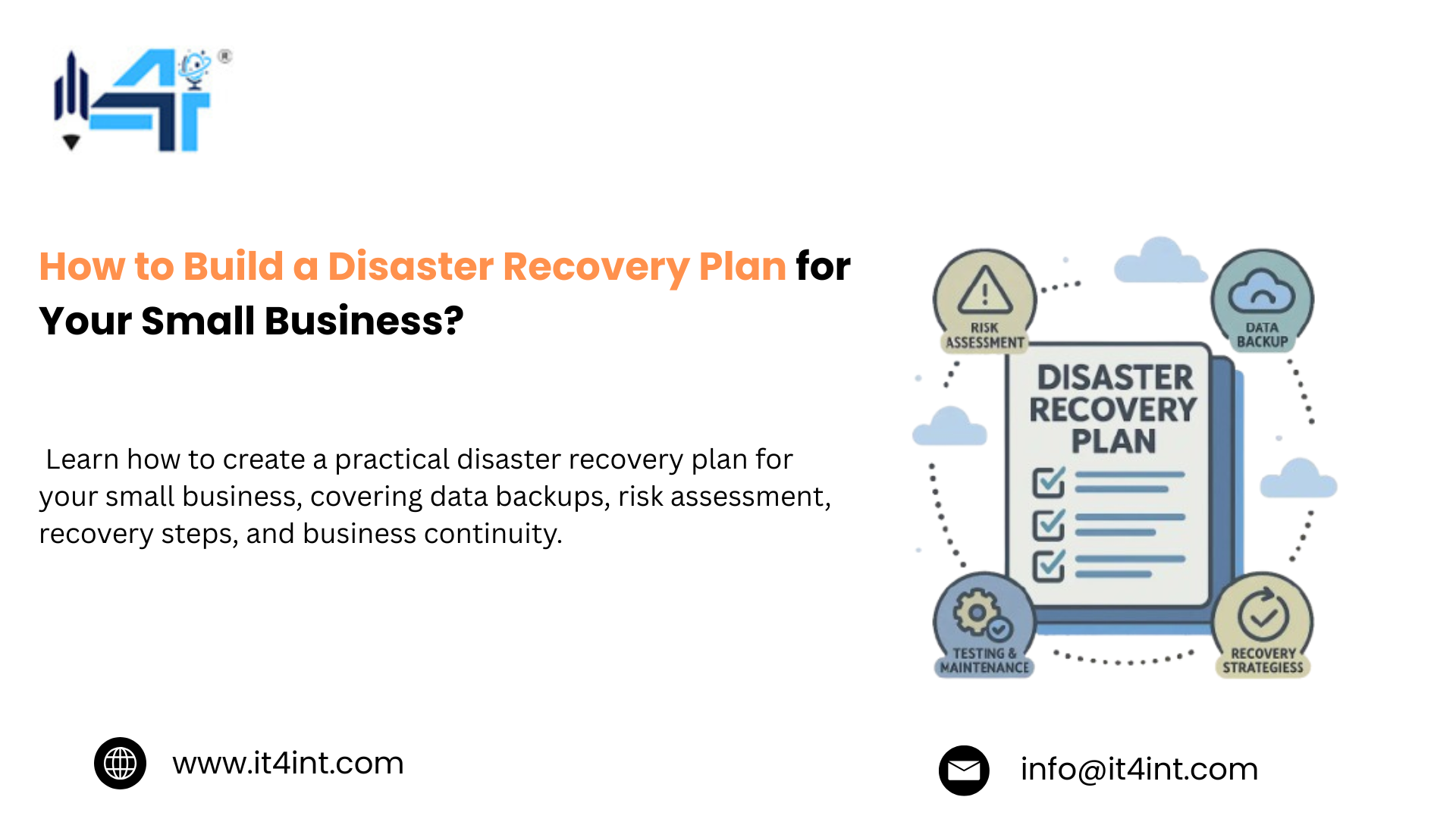
Be it a single failed server, compromised account, cloud outage, or ransomware attack, it can turn a productive workday into a business continuity crisis, and disaster recovery for SMBs is how IT4iNT Servers help businesses think beyond simply getting their data back.
As the risk landscape changes rapidly, even Verizon’s 2026 Data Breach Investigations Report analyzed more than 22,000 breaches across 145 countries and found that around 31% of breaches now begin with vulnerability exploitation. Which means resilience can no longer mean protecting only the server sitting inside the office. For small or mid-sized businesses, if your systems disappeared today, how quickly could you continue operating? This is one question that keeps appearing. Disaster recovery for SMBs not only connects backups, recovery procedures, cybersecurity, infrastructure, people, and applications but also prioritizes your business into one practical plan.
Having said that, a strong recovery strategy gives you something more valuable than a backup. So what does effective disaster recovery actually look like for a small or mid-sized business? Let’s understand what you need to protect, how quickly you need to recover, and what your business can realistically afford to lose.
Why are small businesses more vulnerable to downtime?
It is essential to note that a cyberattack, server failure, or cloud outage doesn’t care if a company has 20 employees or 20,000. Which means small businesses are not necessarily smaller targets. However, the difference is when the disruption happens.
Where a large enterprise might have redundant infrastructure and dedicated security teams and alternate systems, a small business with one server, one administrator, and one accounting platform stands in a more vulnerable state. This is exactly why small business downtime can be more expensive as well. Moreover, here are five major connected factors upon which the vulnerability comes down to:
- Concentration
- Limited redundancy
- Limited IT resources
- Low tolerance for interruptions
- Growing digital dependency
Additionally, how quickly the business can recover is where a properly designed disaster recovery plan for small businesses becomes important. Be it the right server backup solutions, off-site protection, recovery objectives, or tested procedures, the downtime becomes a major part of the recovery strategy.
How to build a disaster recovery strategy for your business?
If your most important systems stopped working today, how would you get the business running again? That is the only concern a reliable disaster recovery for SMBs should be taking care of.
At iT4iNT Servers, a strong disaster recovery plan means turning the entire recovery into a defined process from identifying what matters, deciding how quickly it needs to return, protecting the underlying data, and regularly proving that the recovery process actually works. Here’s a guideline on how to build a disaster recovery strategy for your business:
| STEP | WHAT TO DO | WHY IT MATTERS |
| Identify critical systems | List data, applications, servers, and services | Shows what must be recovered first |
| Assess business impact | Estimate the cost of losing each system | Helps prioritise recovery efforts |
| Define RTO & RPO | Set acceptable downtime and data loss limits | Determines the right recovery solution |
| Build secure backups | Maintain multiple, off-site, and protected copies | Reduces the risk of permanent data loss |
| Plan for ransomware | Use immutable or otherwise protected recovery copies | Prevents attackers from compromising every backup |
| Review regularly | Update the plan as systems and business needs change | Keeps your IT resilience future-ready |
Moreover, a future-ready disaster recovery strategy should not be a static document sitting in a folder; rather, you need clear priorities, protected data, defined recovery targets, assigned responsibilities, and tested procedures.
Dedicated Server Plans
Power your growing business with IT4INT reliable infrastructure built for demanding workloads, with high performance, advanced security, and flexible configurations tailored to your needs.
How does disaster recovery protect more than your data?
Apart from data, there’s more to lose for a small business when the technology goes down. Be it the spreadsheet for finances, the database for customers, the server for employees, or the website for generating revenue, the entire technology environment matters because it allows the business to operate in the first place.
This is why when a critical system goes down, the real loss isn’t necessarily the data; rather, it’s the ability to use the data to keep the business moving, which makes a mature disaster recovery strategy protect several layers simultaneously.
Here’s how disaster recovery for SMBs protects more than just your data:
- It protects revenue
- It protects customer trust
- It protects employees’ productivity
- It protects your reputation
- It protects decision-making
- It protects against human mistakes
- It protects the business’s ability to adapt
Having said that, the recovery around the business outcome, not just the backup destination, where you secure server backup solutions, off-site protection, recovery infrastructure, and managed disaster recovery, all have the purpose to preserve the organization’s ability to move forward when its primary technology cannot.
Read More: SSL Certificate Types Explained: DV vs OV vs EV: Which One Does Your Website Actually Need
Frequently Asked Questions:
Q1) What is a disaster recovery plan in simple terms?
It’s a written, tested plan for how your business restores its data and systems after something disrupts them, whether that’s a cyberattack, hardware failure, or natural disaster, so downtime is measured in minutes or hours, not days or weeks.
Q2) How is disaster recovery different from a regular backup?
A backup is just a copy of your data. Disaster recovery is the full plan for using that backup to get your business back online, including how fast you can restore it (RTO), how much data you can afford to lose (RPO), and who’s responsible for each step.
Q3) What is the 3-2-1 backup rule?
Keep 3 total copies of your data on 2 different types of storage media, with 1 copy stored off-site. The modern 3-2-1-1-0 version adds one immutable, ransomware-proof copy and a requirement to regularly test that backups actually restore.
Conclusion
In conclusion, as a small business, you must be prepared for the next disruption, be it a failed server, a ransomware attack, a power outage, an accidental deletion, a compromised account, or a third-party outage.
Hence, the goal is to make that level of resilience possible through managed disaster recovery, secure storage and server backup solutions, which would help your business recover with confidence.
CTA:
Don’t Wait for Downtime to Test Your Recovery Plan.
Build resilient backup and disaster recovery infrastructure before your business needs it. iT4iNT Servers helps businesses protect critical systems, reduce downtime, and build a tested path back to operations.


