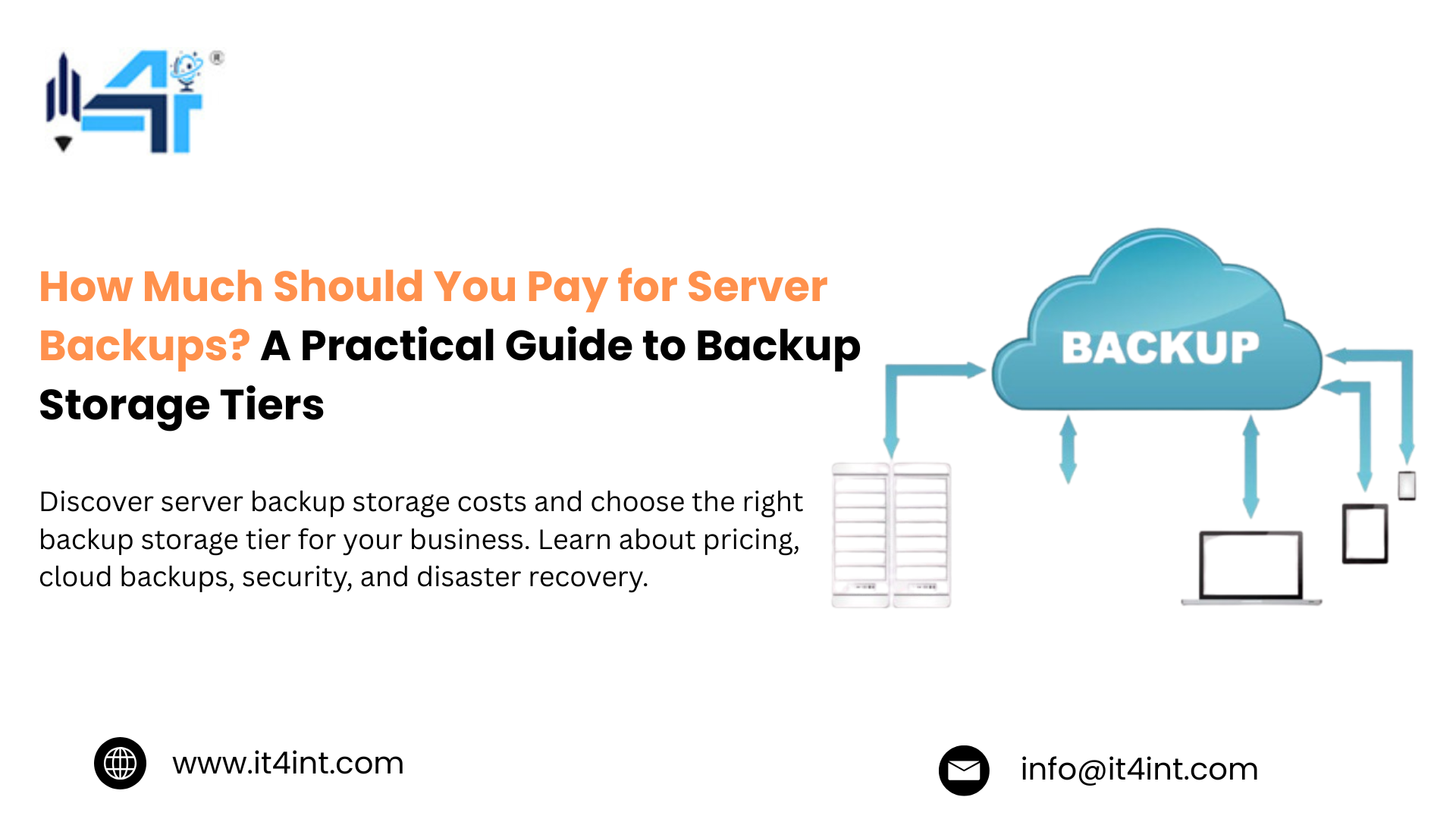
As data volumes continue to grow, before investing in more backup storage, iT4iNT Server recommends understanding backup storage tiers. We understand that backup decisions are often treated as an operational checkbox: you simply pick a storage service, schedule backups, and move on. But in reality? They are one of the biggest hidden contributors to long-term infrastructure spending.
Today’s organisations create data from cloud-native applications, AI workloads, customer analytics, video assets and compliance records. Storage prices have dropped like a rock over the last decade, but the cost of backups is going up. Why?” The real cost of protecting your data is determined by retrieval fees, replication, retention policies, geographic redundancy, recovery speed, compliance requirements, and poor data lifecycle management. That’s why modern backup strategies rely on more than one storage location, but a combination of hot backups for quick restoration, cold storage for data that is accessed infrequently, and archive tiers for long-term data retention.
While understanding how server backup storage tiers work is not just about improving disaster recovery, this blog explores how hot, cold, and archival storage fit into an efficient backup strategy, which would help you optimise costs without sacrificing resilience.
What’s the difference between hot, cold, and archival backup?
When businesses search for backup storage tiers, it often starts with recognizing that not all backup data needs the same level of accessibility. The easiest way to understand backup storage tiers is to think of your backups like financial investments, where some of your assets need immediate liquidity, and others are for long-term holdings.
This is the exact reason why modern organisations and infrastructure providers like iT4iNT Server recommend using multiple storage tiers instead of relying on a single backup destination.
Here’s how the three backup tiers differ in one fundamental aspect of the balance between cost, accessibility, and recovery speed:
- Hot Backup
It primarily delivers near-instant recovery but commands premium pricing because it depends on high-performance storage, making hot backup ideal for mission-critical applications where downtime must be minimized.
- Cold Backup
Cold backup emphasises affordability, where recovery takes longer than hot storage, which significantly reduces the ongoing infrastructure costs while keeping data accessible when necessary.
- Archival Backup
It is optimized for long-term storage, not fast retrieval. Archived data is rarely accessed and is stored on low cost to maintain infrastructure, reducing the cost of archival storage.
In addition, when considering hot versus cold backup, organizations must factor in Recovery Time Objectives (RTO), Recovery Point Objectives (RPO), compliance requirements, workload importance, and projected storage growth to develop a lifecycle-based backup strategy that automatically shifts data to lower-cost storage as it ages.
Why are you probably overpaying for backups right now?
It is no secret that most organizations don’t overspend on backups because storage is expensive; rather, they are focused on finding the best price per gigabyte. However, according to iT4iNT Server, this is exactly where the biggest savings come from.
As businesses generate larger datasets from virtual machines, containers, cloud-native applications, databases, SaaS platforms, user devices, security logs, and compliance archives. So, even if each of these backups remains in high-performance storage indefinitely, infrastructure costs can grow far faster than business values.
Here are a few common mistakes that quietly increase your long-term backup costs:
- Keeping every backup in hot storage
- Ignoring data lifecycle management
- Paying for performance that isn’t needed
- Extending retention periods without review
- Overlooking retrieval and replication costs
Well, the solution isn’t reducing protection; rather, it is about implementing a smarter backup tiering strategy that balances hot vs. cold backup requirements while minimizing archival storage costs throughout the data lifecycle.
How do you decide what goes in each tier?
One of the biggest takeaways from backup storage tiers is the fact that not every backup deserves premium storage. According to iT4iNT Server, the most effective backup tiering strategy starts by understanding the business value of your data and seeing how quickly data needs to be recovered and how long it must be retained. Here’s how a typical lifestyle might look:
- Hot backup is best used for mission-critical workloads like production databases, virtual machines, ERP systems, customer-facing applications, and active business files.
- Cold backups are usually ideal for older recovery points, completed projects, departmental file shares, development environments, and workloads that don’t need immediate restoration. Cold-tier backup gives you a balance between accessibility and affordability as well.
- Archival backup is made for long-term retention, financial documents, legal files, historical datasets, healthcare records, research data, and inactive customer information.
Once you align your storage decisions with your business priorities, rather than technical convenience, organizations build a smarter backup tiering strategy and reduce unnecessary infrastructure costs.
What does backup tiering actually cost in 2026?
After learning about server backup storage tiers, many IT leaders shift their attention to pricing, but iT4iNT Server recommends that you look beyond the monthly storage rates and calculate the Total Cost of Ownership (TCO) once. While not every workload has the same recovery requirements, the cost of backup tiering depends less on storage prices and more on how effectively your backup tiering strategy matches your business priorities.
Moreover, several factors influence your TCO, like the storage tier, data volume, retention policies, recovery frequency, retrieval and egress fees, redundancy, and geographic replication. Hence, instead of asking which storage tier is the cheapest, as a business, you should calculate the overall backup tiering strategy where you get an optimized backup tiering strategy with minimum spending.
Frequently Asked Questions:
What’s the difference between cold storage and archival storage?
Cold storage is data you access infrequently but might still need within hours, whereas archival storage is built for data that you rarely touch and are keeping for historical records.
How often should backups move between tiers?
The usual daily backup stays in hot storage for 7-30 days, whereas it is 3-12 months for cold storage, but in archival storage anything can be kept beyond a year.
Is cold storage safe for legal retention?
Yes, when you have a provider like iT4iNT Servers who meets the durability and access control standards of your compliance with the requirement specifications. The slower retrieval time is a non-issue since the point is preservation, not speed.
Visit – Dedicated Server USA, Dedicated Server India, Dedicated Server France, Dedicated Server Japan, Dedicated Server Italy, Dedicated Server UAE, Dedicated Server Spain, Dedicated Server Turkey