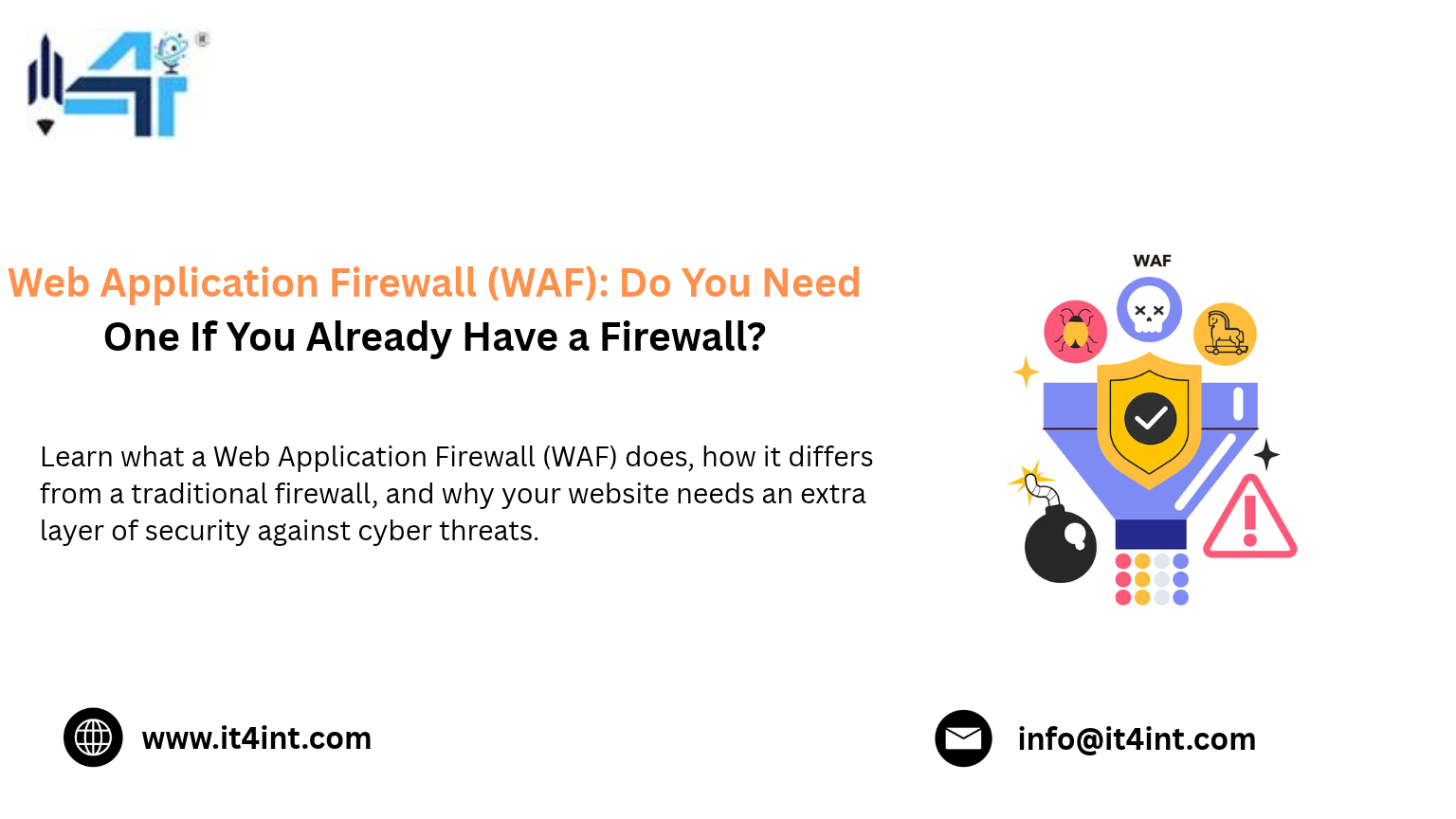
Many website owners reason like this: “My server has a firewall, so my site is protected.” It sounds logical, but it is one of the most common and costly misunderstandings in web security. A traditional firewall and a web application firewall protect against very different kinds of threats.
This guide explains the difference clearly. You will learn what a web application firewall (WAF) does, how the WAF vs firewall comparison works in practice, which attacks a WAF stops, how it relates to the OWASP Top 10, and whether you need one for a WordPress site, an online store, or a custom application.
Quick Answer: Do You Need a WAF If You Already Have a Firewall?
Yes, in most cases you do. A network firewall controls which ports and IP addresses can reach your server. It cannot understand what is inside a web request, so it cannot tell a normal page visit from an SQL injection attempt, because both arrive over the same allowed port 443 or 80. A web application firewall inspects the content of HTTP and HTTPS traffic and blocks malicious requests before they reach your application.
Key points:
- Firewall: protects the network and server by filtering ports, protocols, and IP addresses.
- WAF: protects the web application by inspecting requests for attack patterns.
- They work together. A WAF does not replace a firewall, and a firewall does not replace a WAF.
- A WAF matters most for sites with logins, forms, e-commerce, user data, plugins, or custom code.
- WordPress sites benefit greatly, because most WordPress attacks target plugin and theme vulnerabilities.
What Is a Traditional Firewall?
A traditional firewall, whether a hardware appliance, a cloud security group, or software such as iptables, nftables, UFW, or firewalld, sits between your server and the network. It follows rules such as:
- Allow traffic to ports 80 and 443.
- Allow SSH only from a specific IP address.
- Block everything else.
Network firewalls work mainly at the network and transport layers (Layers 3 and 4). They decide based on source, destination, port, and protocol. Some advanced “next-generation” firewalls add deeper inspection, but a classic firewall does not read the details of web requests.
This is essential protection. Without it, your database, SSH service, and other internal services could be open to the entire internet. But once you open port 443 so that visitors can reach your website, the firewall treats everything on that port as acceptable.
What Is a Web Application Firewall?
A web application firewall works at the application layer (Layer 7). It understands HTTP: URLs, parameters, headers, cookies, request bodies, and file uploads. It compares each request to a set of rules and behavioral checks, then allows, blocks, challenges, or logs it.
A WAF can detect and stop:
- SQL injection, where an attacker inserts database commands through a form or URL
- Cross-site scripting (XSS), where malicious scripts are injected into pages
- Remote code execution and command injection attempts
- Local and remote file inclusion
- Path traversal, where an attacker tries to read files outside the web root
- Malicious file uploads
- Known exploit patterns for popular software and plugins
- Malicious bots, scrapers, and credential-stuffing tools
- Application-layer floods that overwhelm login pages or search functions
In plain terms, a firewall checks whether a visitor is allowed to knock on the door. A WAF checks what the visitor is carrying and what they are asking for once inside.
WAF vs Firewall: The Key Differences
| Feature | Network firewall | Web application firewall |
| OSI layer | Layers 3 and 4 (network, transport) | Layer 7 (application) |
| What it inspects | IP addresses, ports, protocols | HTTP and HTTPS requests, parameters, cookies, headers, payloads |
| Typical protection | Unauthorized access, port scans, exposed services | SQL injection, XSS, exploit attempts, bad bots |
| Understands web logic | No | Yes |
| Can block a request to an open port | Only by IP or port rules | Yes, based on the content |
| Deployment | Server, network edge, cloud security group | Reverse proxy, CDN service, server module, or plugin |
| Best for | Locking down infrastructure | Protecting websites and APIs |
The simplest way to remember it: a firewall protects the server; a WAF protects the website.
VPS Server Plans
Explore IT4INT VPS server plans for reliable, high-performance hosting with fast SSD storage, Linux and Windows OS options, full root access, scalable resources, and 24/7 technical support. Choose a VPS hosting plan that fits your website, application, or business needs.
The OWASP Top 10 and Why It Matters
The OWASP Top 10 is a widely used awareness list of the most critical web application security risks, published by the Open Worldwide Application Security Project. Categories typically include broken access control, cryptographic failures, injection, insecure design, security misconfiguration, vulnerable and outdated components, identification and authentication failures, software and data integrity failures, logging and monitoring failures, and server-side request forgery. Check the current edition on the OWASP website, since the list is revised every few years.
A WAF helps with several of these risks, particularly injection attacks, cross-site scripting, and exploitation of known vulnerabilities. Many WAF rule sets, including the OWASP Core Rule Set used with ModSecurity, are designed around this list.
However, a WAF is not a complete answer to the OWASP Top 10. It cannot repair a design flaw, fix broken access control inside your application logic, or replace secure coding, patching, and good configuration. It is a protective layer, not a cure.
How a WAF Works
Rule-based detection
The WAF compares requests against signatures and patterns that describe known attacks. For example, a request with ‘ OR 1=1 — in a search parameter matches a classic SQL injection pattern and is blocked.
Anomaly scoring
Rather than blocking on a single suspicious element, many WAFs add up a score across different rules. A request that triggers several low-level warnings can be blocked even if no single rule would do it. This approach reduces false positives.
Positive and negative security models
A negative model blocks known bad patterns. A positive model allows only known good requests, such as specific parameters with specific formats. Positive models are stricter and can be powerful for APIs, but they need careful setup.
Virtual patching
When a vulnerability is announced in a plugin or framework and you cannot update immediately, a WAF rule can block the exploit pattern in the meantime. This is called virtual patching. It buys time, but it does not replace installing the real update.
Bot management and rate limiting
Modern WAFs also detect automated traffic, challenge suspicious clients, and limit repeated requests, which helps against brute-force logins and application-layer denial-of-service attacks.
Types of Web Application Firewalls
Cloud-based (reverse proxy) WAF. Traffic passes through a provider such as Cloudflare, Sucuri, Akamai, Imperva, or AWS WAF before reaching your server. Setup is usually a DNS change. It also hides your server IP and often adds CDN and DDoS benefits.
Server-based (host) WAF. A module runs on your own web server. The best-known open-source example is ModSecurity, which works with Apache, Nginx, and IIS, and is commonly paired with the OWASP Core Rule Set. It offers full control, but it needs tuning and maintenance.
Application-level WAF. A plugin or library inside the application, such as WordPress security plugins with firewall features. It is easy to install, but it runs after the web server has already started handling the request, so it uses server resources and is less effective against some attack types.
Network or appliance WAF. A hardware or virtual appliance deployed in a data center, more common in large enterprises.
Many organizations combine types, for example a cloud WAF at the edge plus ModSecurity on the server.
ModSecurity: The Open-Source Option
ModSecurity is a free, widely used WAF engine. With the OWASP Core Rule Set, it provides a strong baseline of protection against common attacks. Many hosting control panels offer it as a one-click feature.
Advantages:
- Free and open source
- Full control over rules and logging
- Works on your own infrastructure with no traffic leaving your server
Challenges:
- Needs tuning to avoid false positives, such as blocking legitimate form submissions or admin actions
- Needs updates to rules and monitoring of logs
- Uses server resources, since inspection happens on your machine
- Does not absorb large traffic floods, because the traffic reaches your server first
A good approach is to start in detection-only mode, review logs for a few weeks, add exceptions for legitimate behavior, and then switch to blocking mode.
WAF for WordPress: Do You Need One?
For most WordPress sites, the answer is yes. WordPress powers a large share of the web, which makes it an attractive target. The core software is generally well maintained, but the plugin and theme ecosystem is huge and varies in quality. Many successful attacks exploit a known flaw in a plugin that the site owner has not yet updated.
A WAF for WordPress helps by:
- Blocking exploit attempts against known plugin vulnerabilities, buying time to update
- Stopping SQL injection and XSS attempts against forms and search
- Limiting brute-force attacks and credential stuffing on wp-login.php and XML-RPC
- Filtering malicious bots and scanners
- Reducing load by turning away bad traffic before PHP processes it
For best results, use a cloud or server-level WAF, which stops attacks before WordPress loads, and add a plugin-based firewall only if it offers features you need. Keep WordPress, plugins, and themes updated regardless, because a WAF can miss new or unusual attacks.
Do You Really Need a WAF? A Practical Guide
You should strongly consider a WAF if:
- Your site has login forms, user accounts, or an admin area
- You run an online store or process any customer data
- You use WordPress, Joomla, Drupal, Magento, or other plugin-based platforms
- You operate a custom application or API
- You are subject to compliance rules, such as PCI DSS, which expects protection for public-facing web applications
- You have experienced attacks or heavy bot traffic
- You cannot update software immediately when vulnerabilities appear
You may get by with less if:
- You run a small static website with no forms, logins, or dynamic code
- Your site sits behind a hosting platform that already includes managed WAF protection
- A CDN with built-in basic protection already covers the attack types you face
Even then, adding a free or low-cost WAF layer is usually inexpensive insurance.
Limitations of a WAF
A WAF is valuable, but it is not magic. Be aware of these limits:
- False positives: Legitimate users or admin actions may be blocked until rules are tuned.
- Evasion: Skilled attackers use encoding tricks and obscure payloads to bypass rules, which is why a WAF is not a substitute for patching.
- Business logic flaws: A WAF does not understand your application’s logic, so it may miss abuse such as price manipulation or broken access control.
- Origin exposure: If attackers learn your real server IP, they can bypass a cloud WAF. Lock your origin to accept traffic only from the WAF provider.
- Encrypted traffic: The WAF must be able to decrypt HTTPS traffic to inspect it, which requires correct certificate setup.
- Maintenance: Rules need updates, and logs need attention.
How to Choose and Set Up a WAF
- Define your risk. Consider what data you handle, which platform you use, and what compliance rules apply.
- Pick the deployment type. Choose a cloud WAF for easy setup and extra CDN features, or ModSecurity if you want control and already manage your own server.
- Check rule quality and updates. Look for regular rule updates, coverage of the OWASP Top 10, and virtual patching for popular platforms.
- Start in monitoring mode. Observe what would be blocked before enforcing rules.
- Tune for your application. Add exceptions for legitimate behavior, such as page builders, payment callbacks, and API clients.
- Lock down the origin. Allow web traffic to your server only from the WAF provider’s IP ranges.
- Combine with other defenses. Use a network firewall, HTTPS, strong authentication, rate limiting, updates, and backups.
- Review logs regularly. Blocked requests tell you what attackers are trying.
- Test. Run authorized vulnerability scans on your own site to verify that protection works.
A Layered Security Model
No single control is enough. A resilient setup layers several defenses:
- Network firewall: Closes unneeded ports and restricts management access.
- Web application firewall: Filters malicious web requests.
- Patching and updates: Fixes the vulnerabilities attackers target.
- Secure coding and configuration: Prevents flaws in the first place.
- Strong authentication: Protects accounts with long passwords and two-factor authentication.
- Monitoring and logging: Detects problems early.
- Backups: Provide recovery when prevention fails.
The firewall and the WAF each cover a gap the other cannot.
Read More: Free SSL vs Paid SSL Certificates: Is There Any Real Difference?
Conclusion
A firewall and a web application firewall are not alternatives; they are partners. The firewall decides who can reach your server, and the WAF decides which web requests are safe to process. If your website has forms, logins, a store, or any plugin-based platform, a WAF closes a gap that a network firewall alone leaves wide open.
Start with the option that fits your resources: a cloud WAF for quick setup, or ModSecurity if you prefer control. Run it in monitoring mode first, tune it, and then enforce it. Keep your software updated, and treat the WAF as one strong layer in a larger defense, not as a reason to stop patching.